

Private testing in progress
Get MVP Tracker
The app already runs day-to-day — it's just still limited to a small circle of testers.
🪟 Windows 10 / 11
🆓 Free
🔄 Automatic updates
🔒 No Riot password required
The app already runs day-to-day — it's just still limited to a small circle of testers.
Fetching the latest version…
Windows 10 / 11 · Desktop app · Free
You'll need your own HenrikDev API key on first launch — free, takes 30 seconds, and the app walks you through it step by step.
Email and password. An online MVP Tracker account, independent from your Riot account.
Your Valorant name and tag. A preview of your profile asks for confirmation before linking anything.
The app fetches your latest matches and fills in every tab. That's it.
MVP Tracker is a real desktop app, not another browser tab. Your matches are cached locally, so everything stays browsable even offline.
Yes. MVP Tracker doesn't interact with the game and doesn't read any memory: it only uses public match data, exactly like existing trackers. No risk of a ban.
Never. The app only asks for your Valorant name and tag (your public Riot ID). Your MVP Tracker account is completely separate from your Riot account.
MVP Tracker is free.
Each sync fetches your last 50 matches, and the app keeps them in a local cache. Your history grows over time, beyond what the API exposes at any single moment.
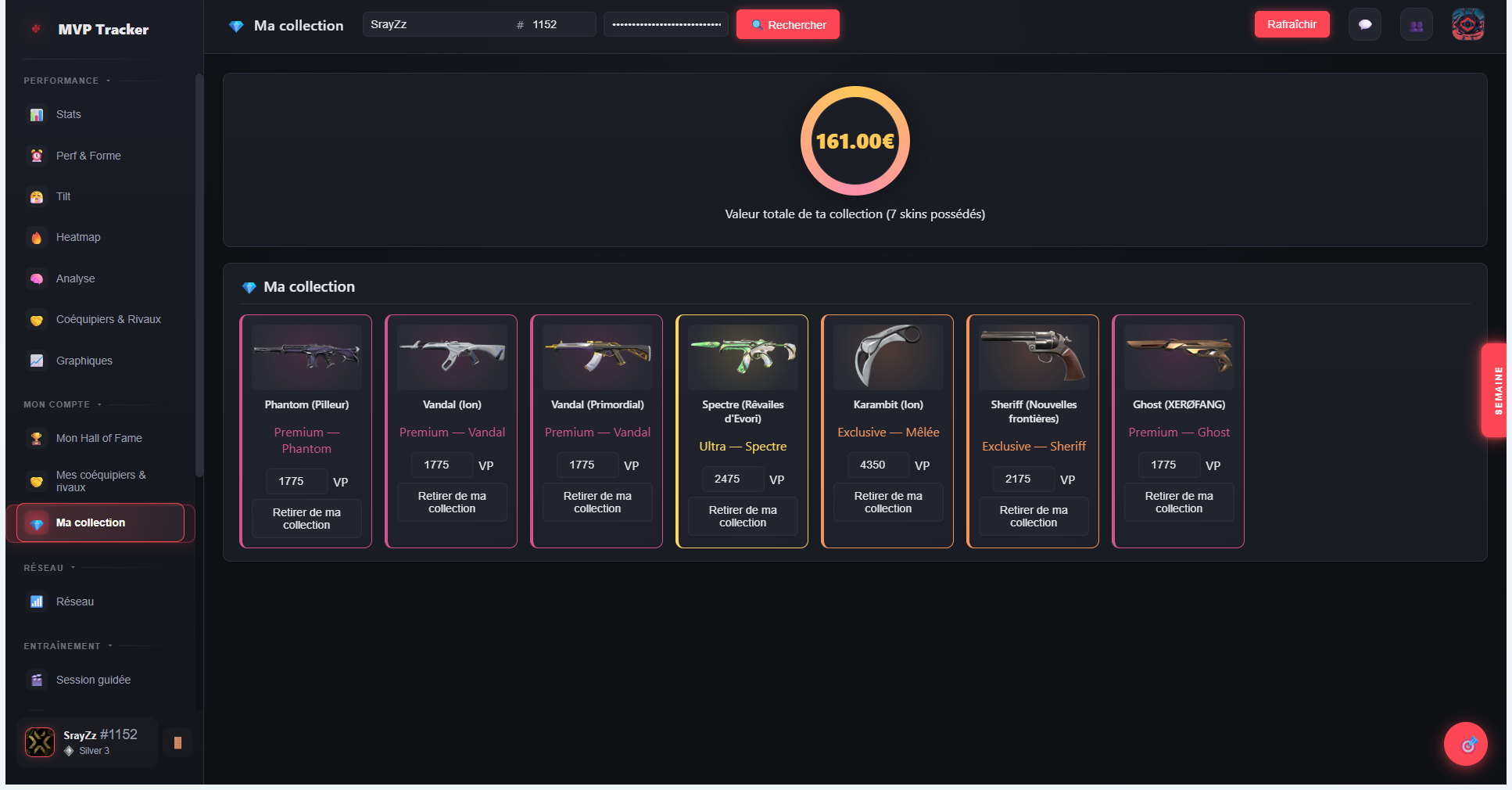
Yes, the search bar at the top lets you look up any public Riot ID. Your personal data (wrapped, goals, tilt, network, collection) always stays tied to your own account, even while browsing someone else's.
Not right now. The app is distributed for Windows only. A version for other systems isn't ruled out later on, but it isn't the priority.